
Read P6 programmes in your browser.
Drop an XER below. Your first look needs no account.
or drop your programme anywhere on this page
Uploading
The upload did not finish.
You have had your free look.
A free account opens as many programmes as you need.
XER, P6 XML, Microsoft Project XML or a P6 Professional .db, up to 100 MB. Opening a programme accepts the terms.
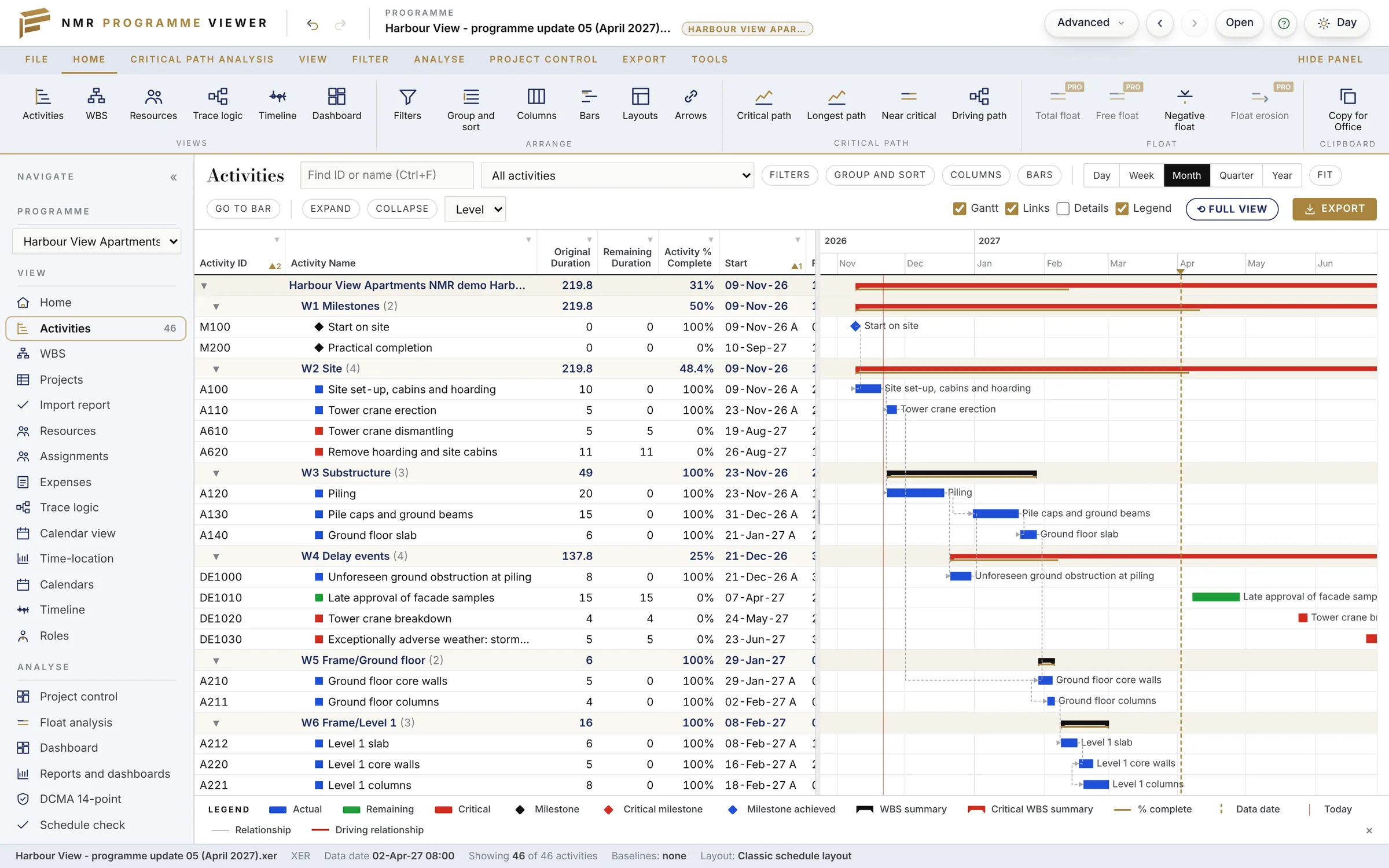
The views a planner works in.
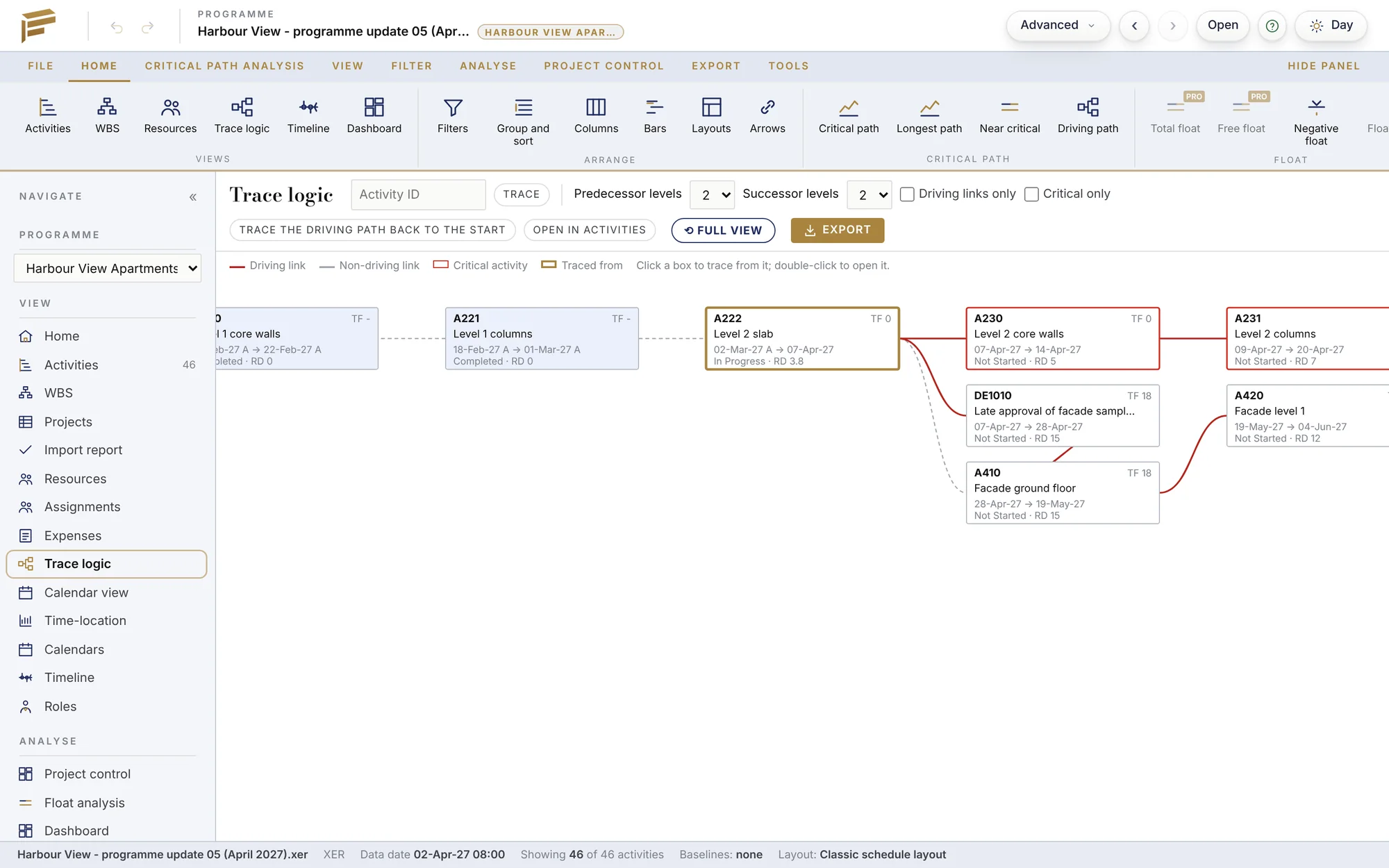
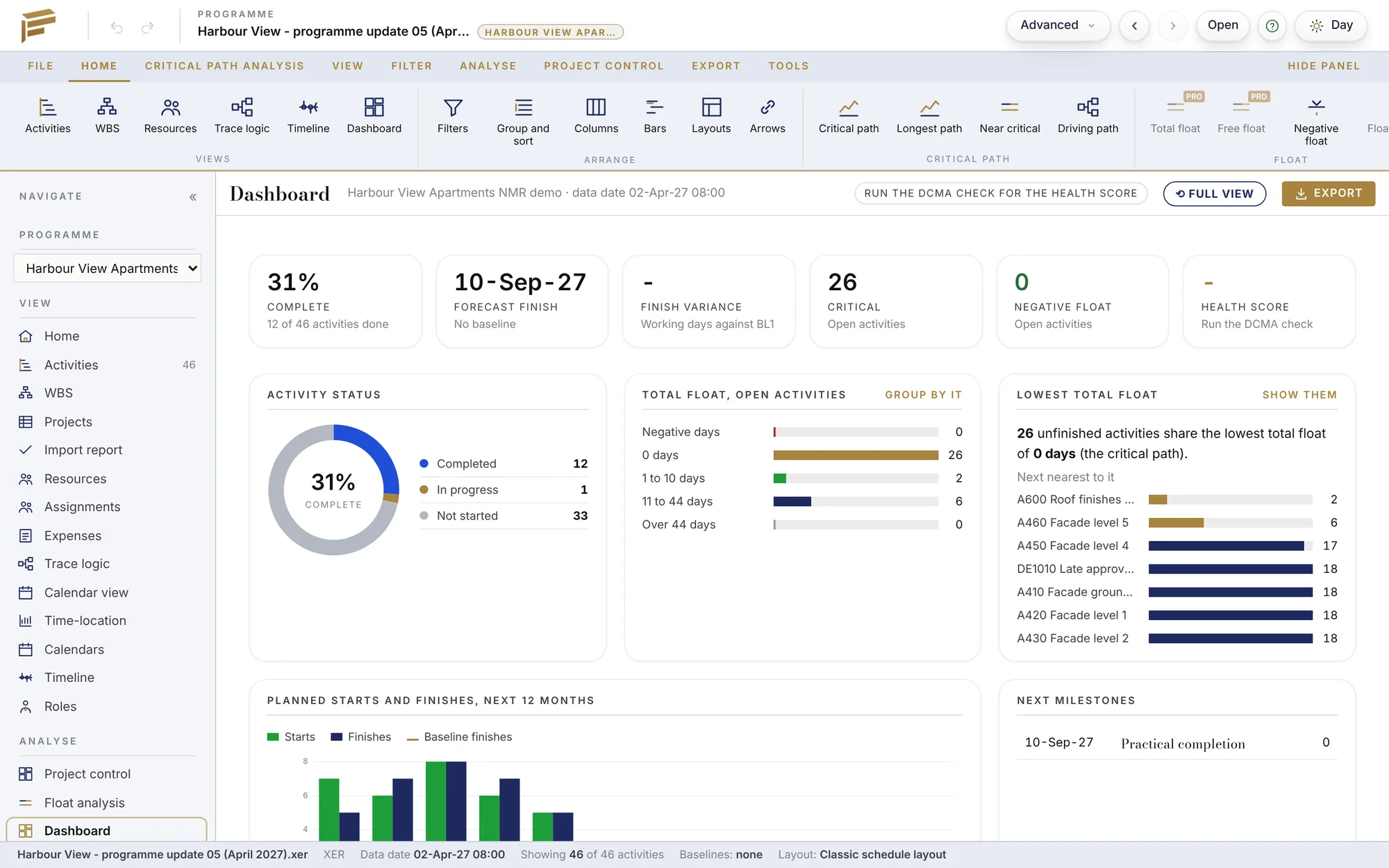
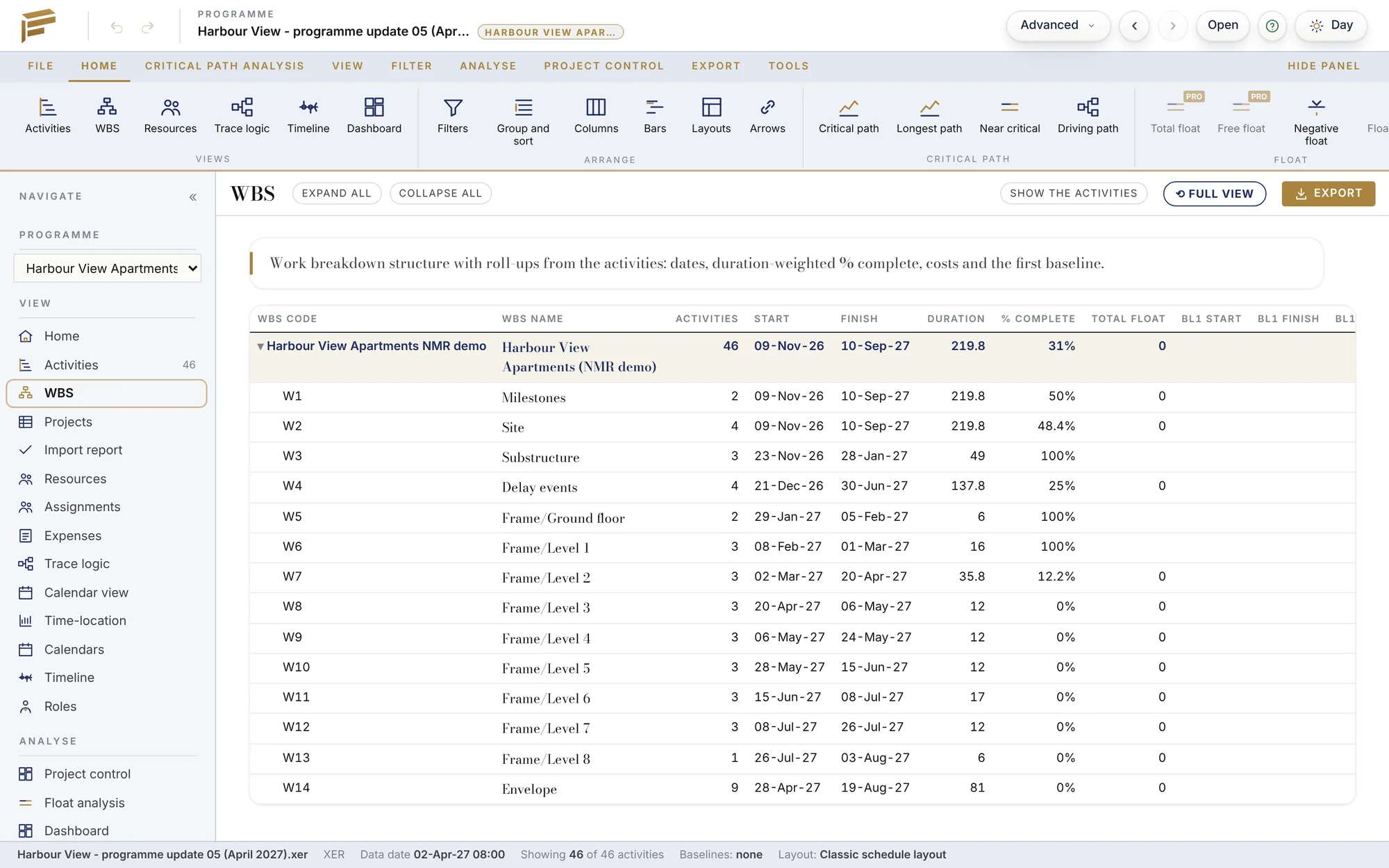
Four file types. One viewer.
- Primavera P6 XER
- Every project in the file, with baselines, calendars, codes and resources.
- Primavera P6 XML
- Projects exported from P6 as XML.
- P6 Professional database
- A .db file; you pick the projects to open.
- Microsoft Project XML
- Tasks, links, calendars and baselines.
Free to use.
First look
One programme, no account, for two hours.
Free account
Name, email and LinkedIn. As many programmes as you need, each kept for 30 days.
Create free accountSCCSI may keep an uploaded programme for up to 12 months for review, under the terms.
Questions.
Is my programme private?
Each user has a separate folder that no other user can open. Uploads are deleted after 30 days.
Do I need P6 or Microsoft Project?
No. The viewer reads the file itself.
Where are DCMA checks and float analysis?
Those are Pro features, in the NMR AI Project Planner.
Try it on your own programme.
One programme free, no account. Then a free account for the rest.